When I install IDM, Windows Security shows a warning message that controlled folder access prevented IDMan.exe from making changes to memory. What should I do?
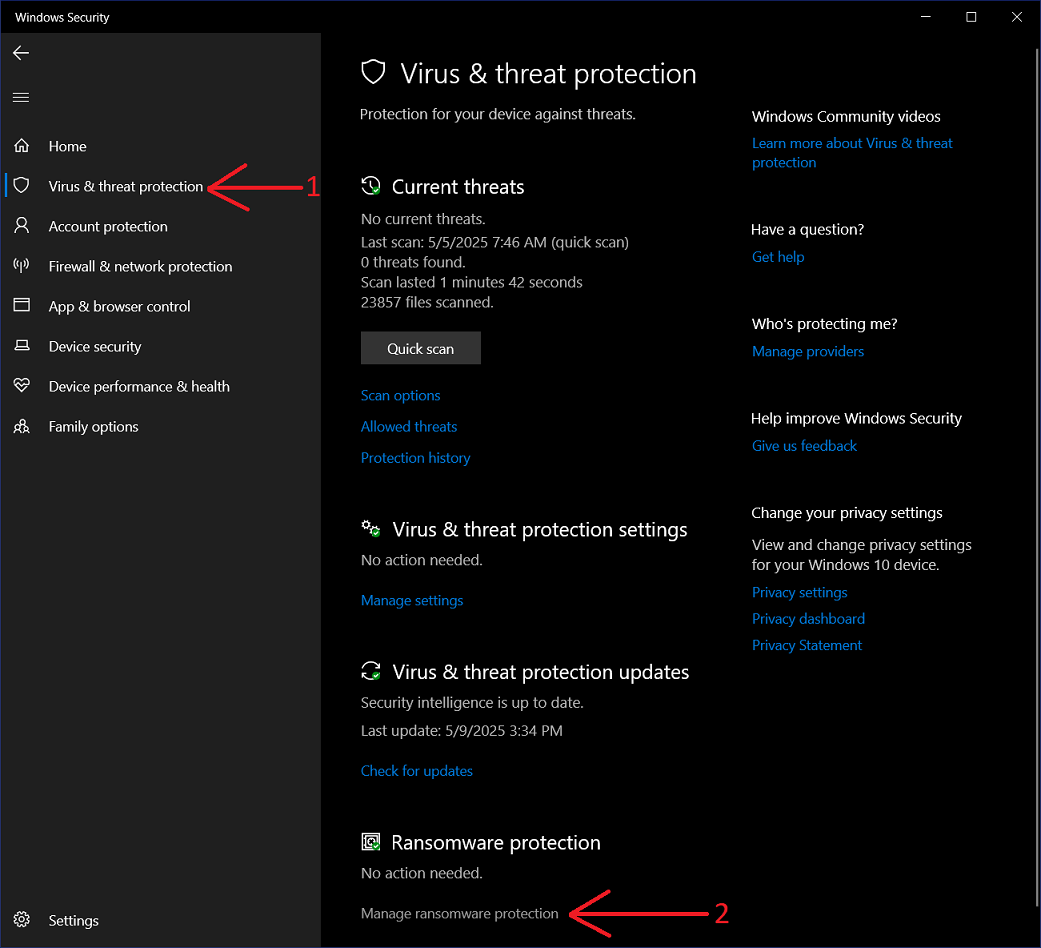
To solve this problem you need to add "IDMan.exe" in exceptions list in Windows settings to allow it creating files in protected folders and making changes to memory. To do this open "Windows Security" and select "Virus & threat protection" (arrow 1 on the image). Then click "Manage ransomware protection" (arrow 2 on the image).
On the new dialog enable "Controlled folder access" option (arrow 1 on the image). Then press "Allow an app through Controlled folder access" (arrow 2 on the image).

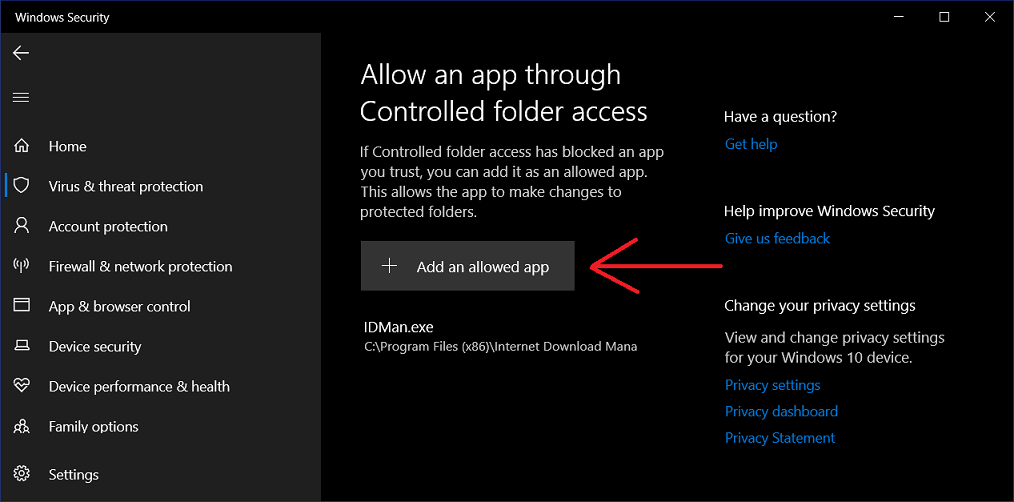
Allow changes when Windows will ask for your confirmation. Then on the new dialog press "Add an allowed app". And finally browse to "IDMan.exe" executable.