
When I try to download any file with IDM it just tries to connect to the Internet and cannot start downloading or shows some error message that connection is refused. What can be a source of the problem?
See below:
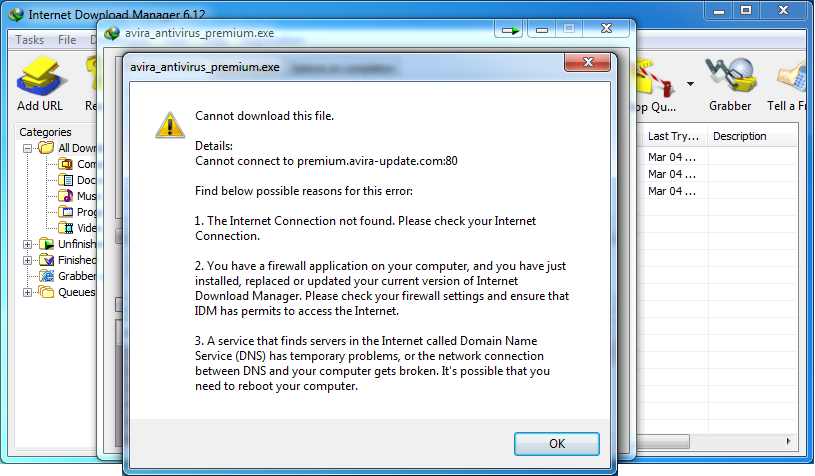
- IDM shows "Cannot download this file" error message on download start:
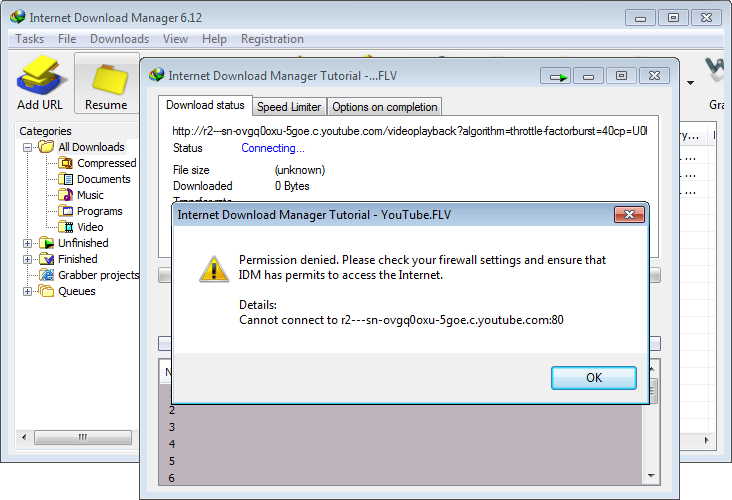
- IDM shows "Permission denied" error message on download start:
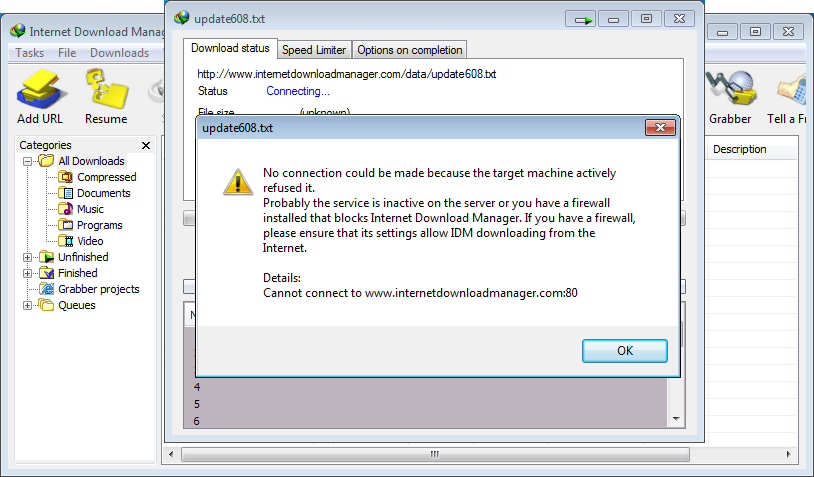
- IDM shows "Connection refused" error message on download start:
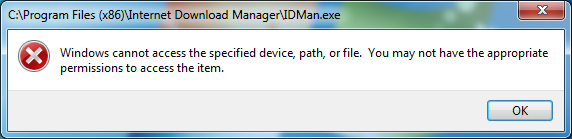
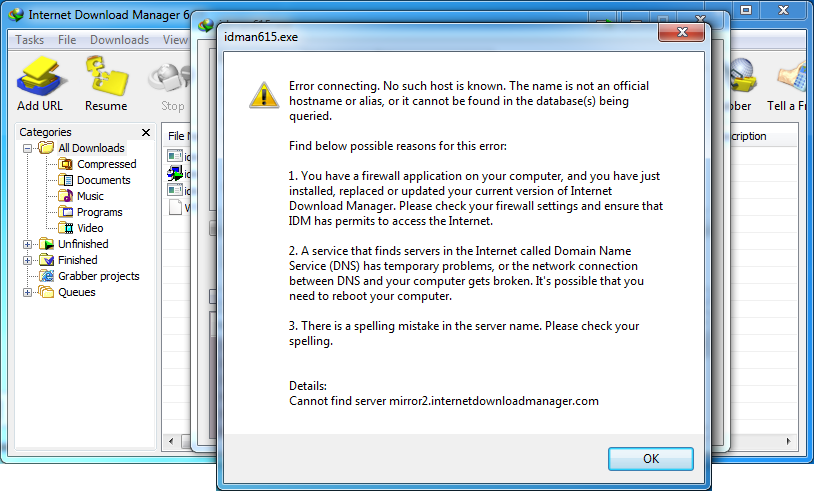
- Windows shows an error message below on IDM launch, or IDM launches, but IDM shows "Error connecting" message on download start.
- On download start, IDM process is killed, and IDM window is closed.
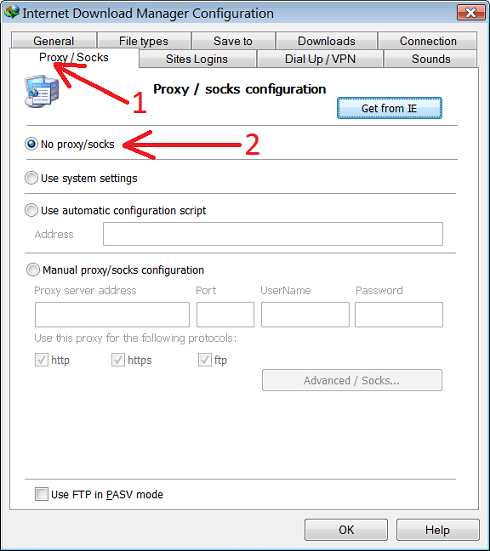
Reason 1: In IDM settings is set proxy/socks server that does not work anymore or has some other problems.
Solution: Open "Options→Proxy / Socks" IDM dialog (arrow 1 on the image) and select "No proxy/socks" option (arrow 2 on the image).
Reason 2: IDM is not allowed to download or run in FireWall settings. Many FireWalls check the size of application executable file that try to access the Internet. That's because a virus can replace the file with its own, and get access to the Internet. Probably when you updated IDM, its executable file size changed, and your FireWall blocked the Internet access for IDM. If you have a FireWall installed, please check that IDMan.exe file has appropriate access rights. In some cases our customers reported that they also had to set same access rights for Uninstall.exe file from IDM root folder.
Solution: Change incorrect FireWall settings. Please choose instruction for your Internet Security (FireWall) software below:


If the instructions above do not help, please try to completely uninstall your FireWall TEMPORARILY. Disabling the FireWall is not enough, because FireWall keeps blocking access even if you switch it off. After uninstalling and rebooting, check if your problem persists. If it is resolved, then the problem is definitely caused by your FireWall software. You should try to contact its developers, and ask them for a solution, or try another FireWall.
Please also check that your computer does not have Air plane mode enabled in its Windows settings.
If you still cannot solve the problem, or do not know what application can block IDM, try to rename IDM executable file "IDMan.exe" from IDM root folder (usually "C:\Program Files\Internet Download Manager\") into "IDMan2.exe", and run it. Try to download with IDM again, and check whether your problem still persists.